
Free
€0forever
up to 50 runners per event
- All core features
- Start-list import from CSV and Excel
- Built-in stopwatch and finish log
- Reports by track, category and gender
- PDF results with a Kronodeck footer
No signup, no card, no trial clock.
For race organizers still doing it all by hand
Kronodeck fills the gap: it turns the devices you already own into a complete race-timing system — no chips, no cables, no installation.
Free · no signup · works offline
There's a smarter way.
Import your runners from CSV or Excel. Tracks and categories are ready in minutes, and categories assign themselves by birth year and gender.
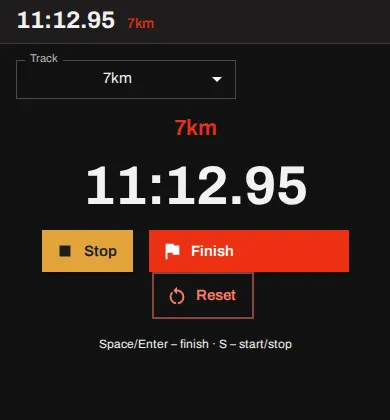
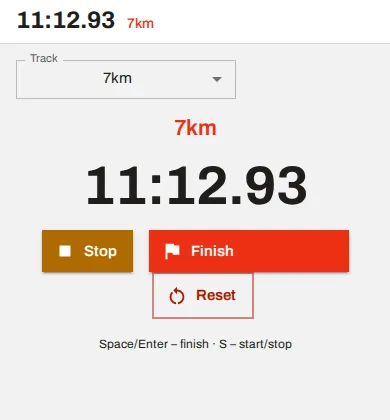
Enter times and bib numbers at the finish, or run the built-in stopwatch. Judges can time straight from their own phones — everything merges into one finish log.
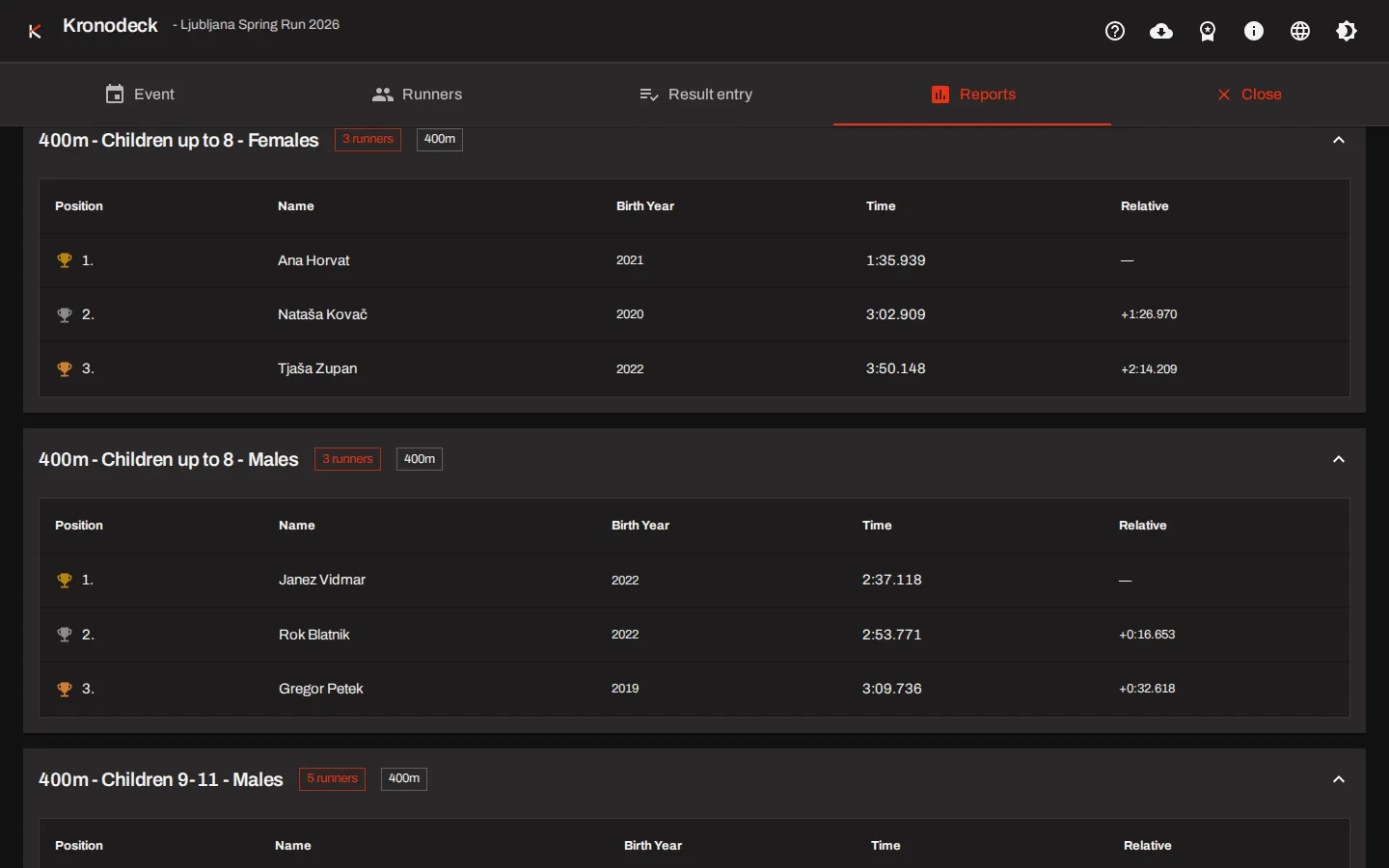
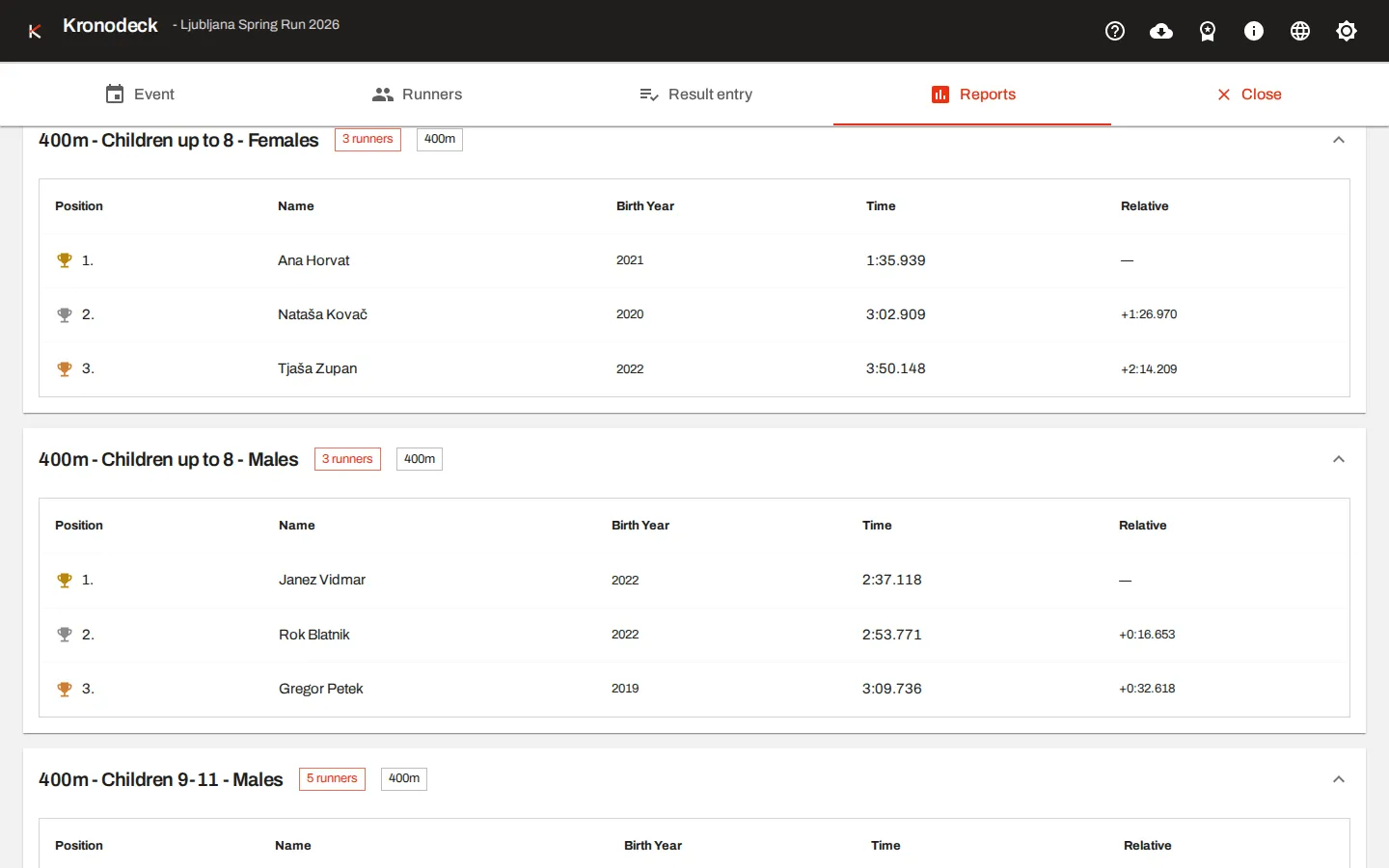
Rankings by track, category and gender, exported to a clean A4 PDF with full š, č, ž support — before the awards ceremony starts.
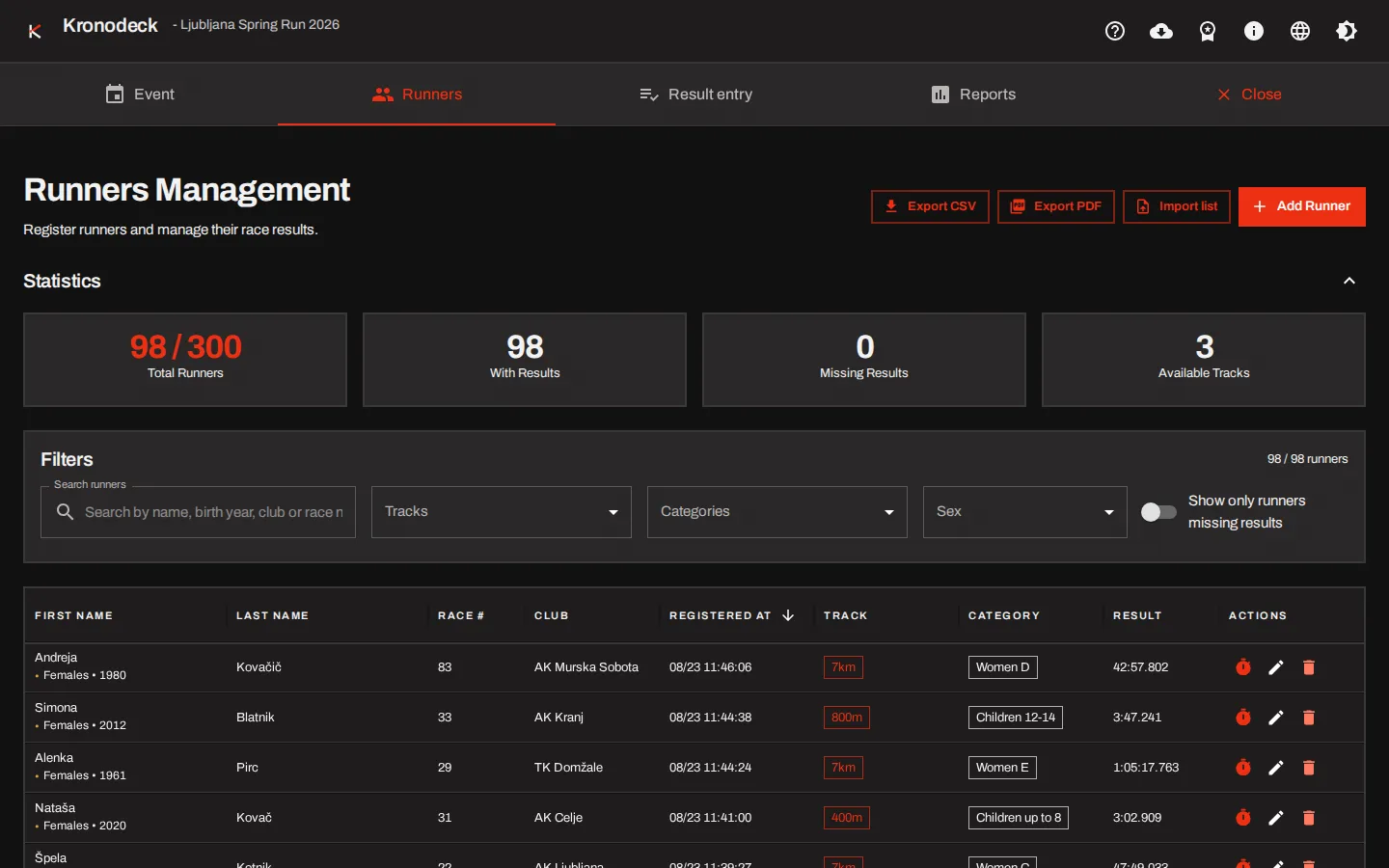
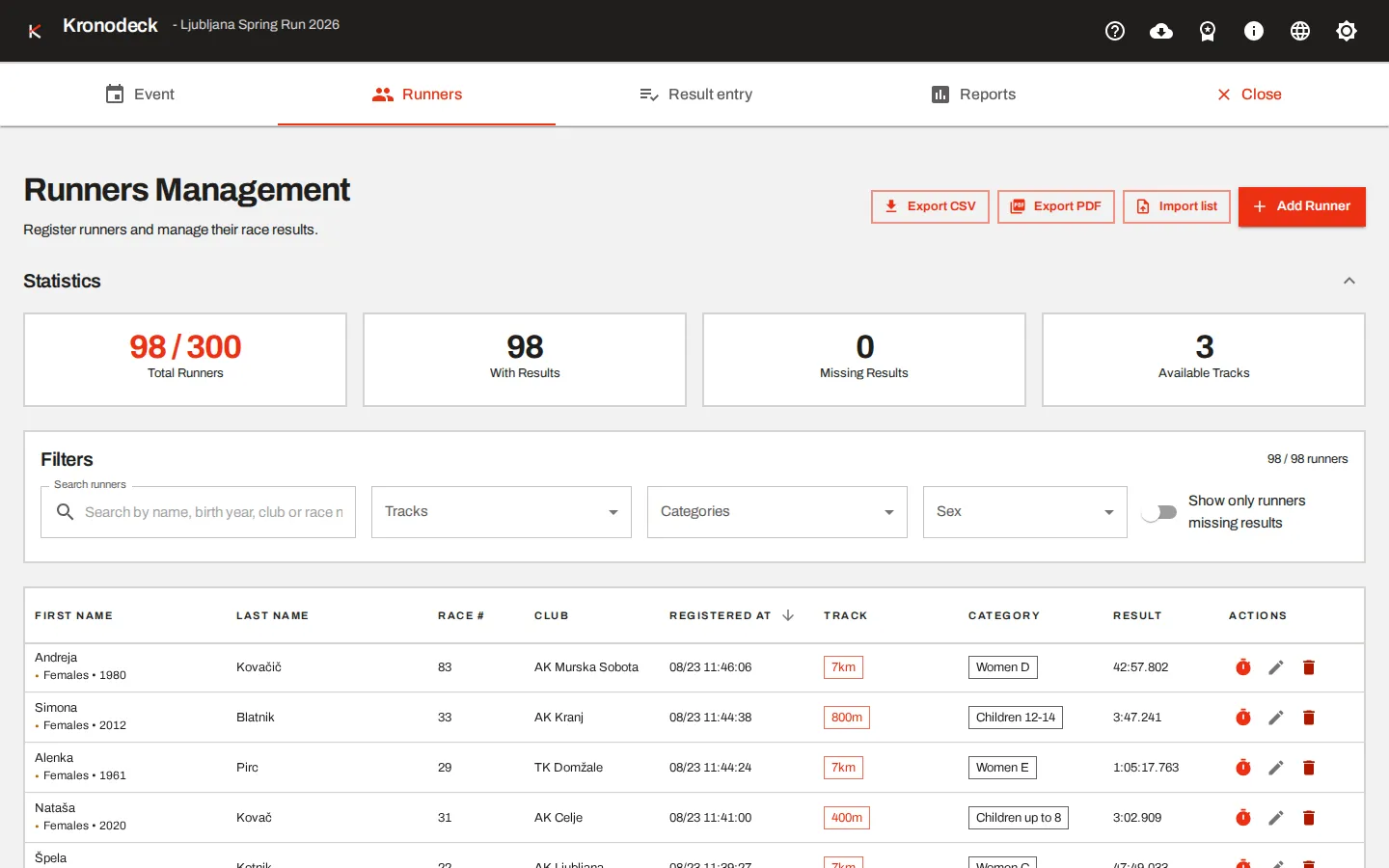
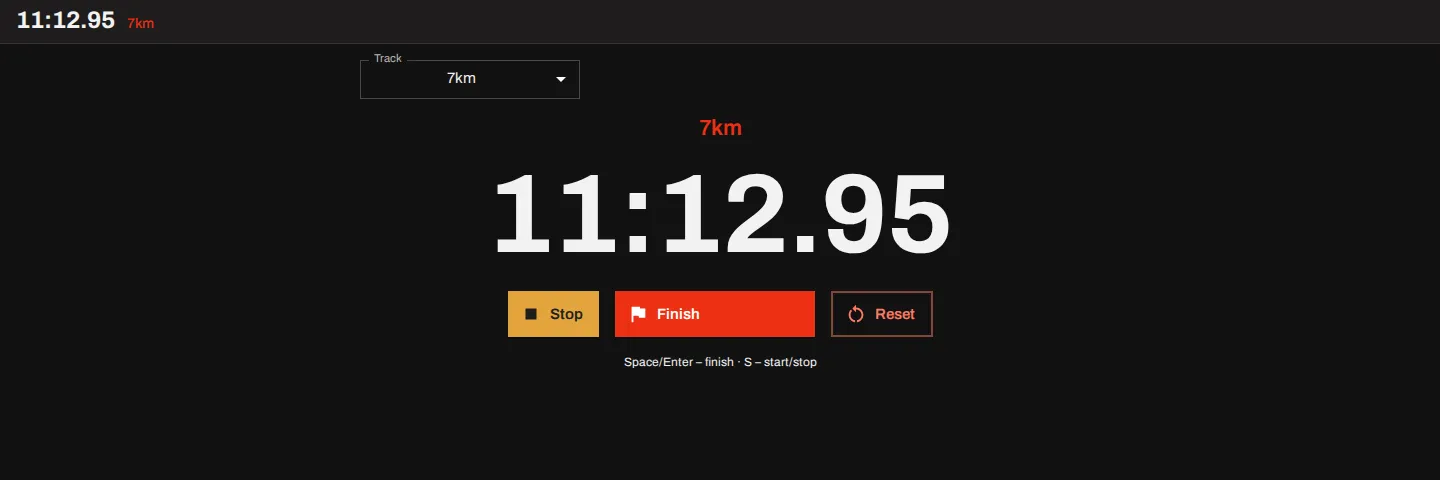
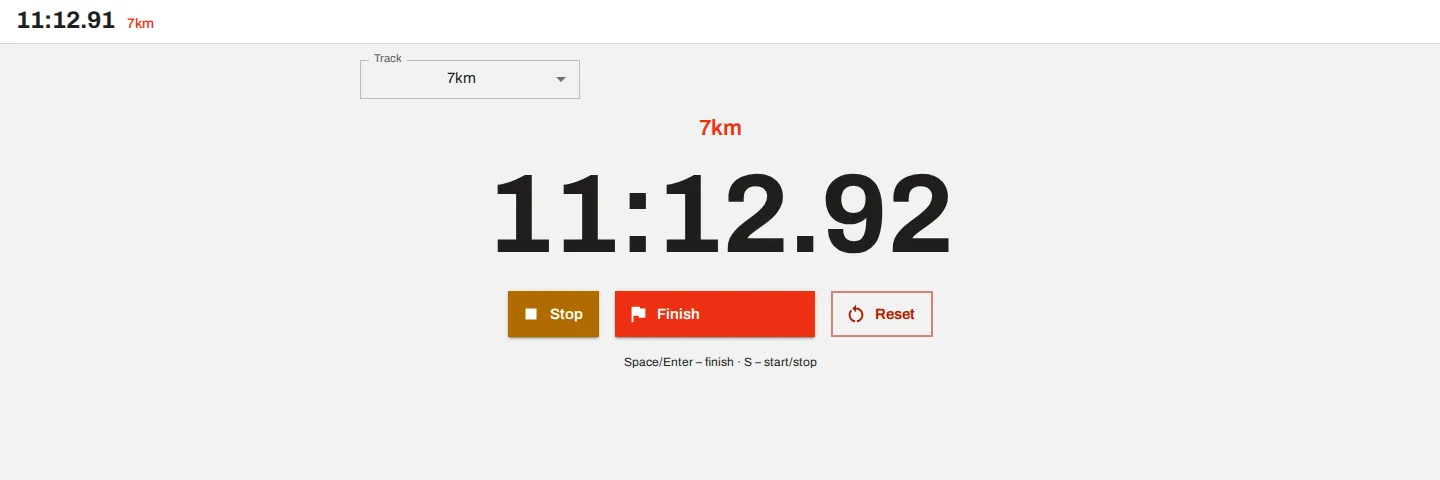
Built for clubs, schools and local organizers — not for a timing crew.
Every core feature runs with no connection at all — even at a finish line in the middle of the woods.
Windows, macOS, Linux, iOS, Android. Anything with a modern browser, and nothing to install.
Keep one event live and archive the rest. Closed events stay on the device, ready to reopen.
Any number of distances and age categories, including gender-specific year ranges.
Times as MM:SS.mmm, HH:MM:SS.mmm or plain seconds. Alphanumeric bibs. Entries merge into a single finish log.
Judges join from their phones with a QR code and time together; the organizer’s screen aggregates every entry live.
Results by track, category and gender, ranked automatically from the finish log.
Bring the start list in as it is — CSV, XLS or XLSX, with encoding and column mapping handled for you.
A4 results and runner lists with embedded fonts: correct in print, and correct offline.
Everything lives in your browser. No accounts, no upload, nobody else holding your runners’ data.
Start free. Upgrade when race day depends on it.
€0forever
up to 50 runners per event
No signup, no card, no trial clock.
PROMO −40 %
€47per year
€79
up to 300 runners per event
Promo price valid until 28 February 2027, then €79 per year.
€39per event
up to 300 runners, one event
For the organizer who runs one race a year.
VAT is not charged (the publisher is not a VAT payer):
DDV ni obračunan na podlagi 1. odstavka 94. člena Zakona o davku na dodano vrednost (nismo zavezanci za DDV).
Prices may change. Licenses are issued by e-mail — write to hello@kronodeck.app and you get a license file that activates offline.
Yes. Kronodeck runs entirely in your browser, and registration, timing, results and PDF export all work with no connection at all. Only the remote stopwatches on judges’ phones need a network to reach the organizer’s screen.
No. Kronodeck opens in any modern browser. You can install it as an app on a laptop, tablet or phone for race day, but that is optional and takes one tap.
On your own device, inside the browser. Kronodeck has no accounts and uploads nothing; you can export a full JSON backup at any time and carry it to another device.
No. Kronodeck is manual timing done properly — you time the finish with the devices you already own. It is the step between a spreadsheet and a professional chip-timing crew.
The free version handles 50 runners per event, Race and Event Pass handle 300, and Event Pro (coming soon) handles 1000. The app is tested with up to 1000 runners in one event.
Yes, with a Race license. Judges open a join link on their phones and record finish times together, and the organizer’s screen merges every judge’s entries into one finish log in real time.
Slovenian, English, Croatian and German, with full support for š, č and ž both on screen and in exported PDFs.
The free version caps each event at 50 runners, adds a Kronodeck footer to results PDFs, and does not include runner-list exports or remote stopwatches. Everything else is included.